SQLite report generator tool

Quote from Richard Otter on 2026-05-09, 11:41 amI'm interested in creating my own reports from my RM database.
I'm curious as to whether others have used any tools beyond SQL for this purpose?
I'm interested in creating my own reports from my RM database.
I'm curious as to whether others have used any tools beyond SQL for this purpose?
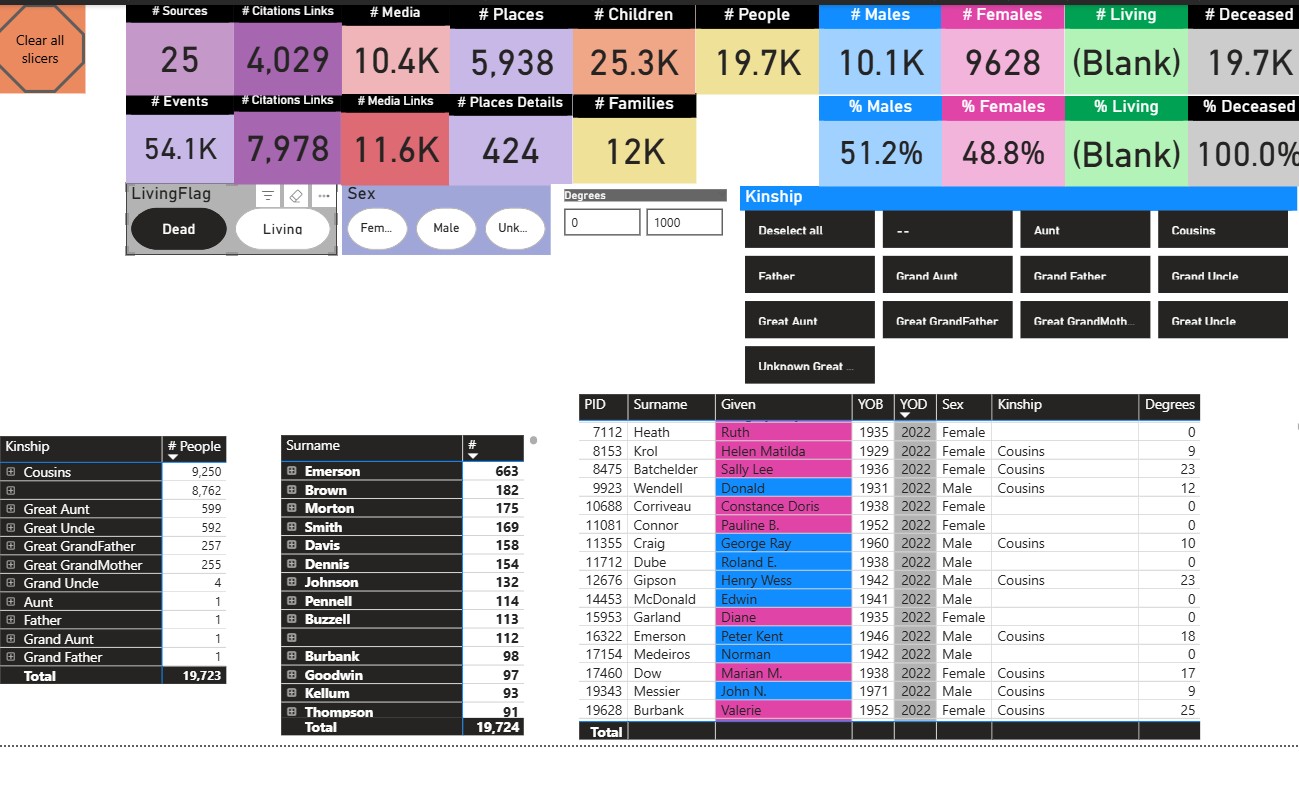
Quote from kevync on 2026-05-15, 7:38 pmI use mainly PowerQuery queries either from PowerBI or Excel through ODBC data connector. Sometimes for some simple basic things (not many rows etc) I do through the Sqlite tool.
I use mainly PowerQuery queries either from PowerBI or Excel through ODBC data connector. Sometimes for some simple basic things (not many rows etc) I do through the Sqlite tool.
Uploaded files: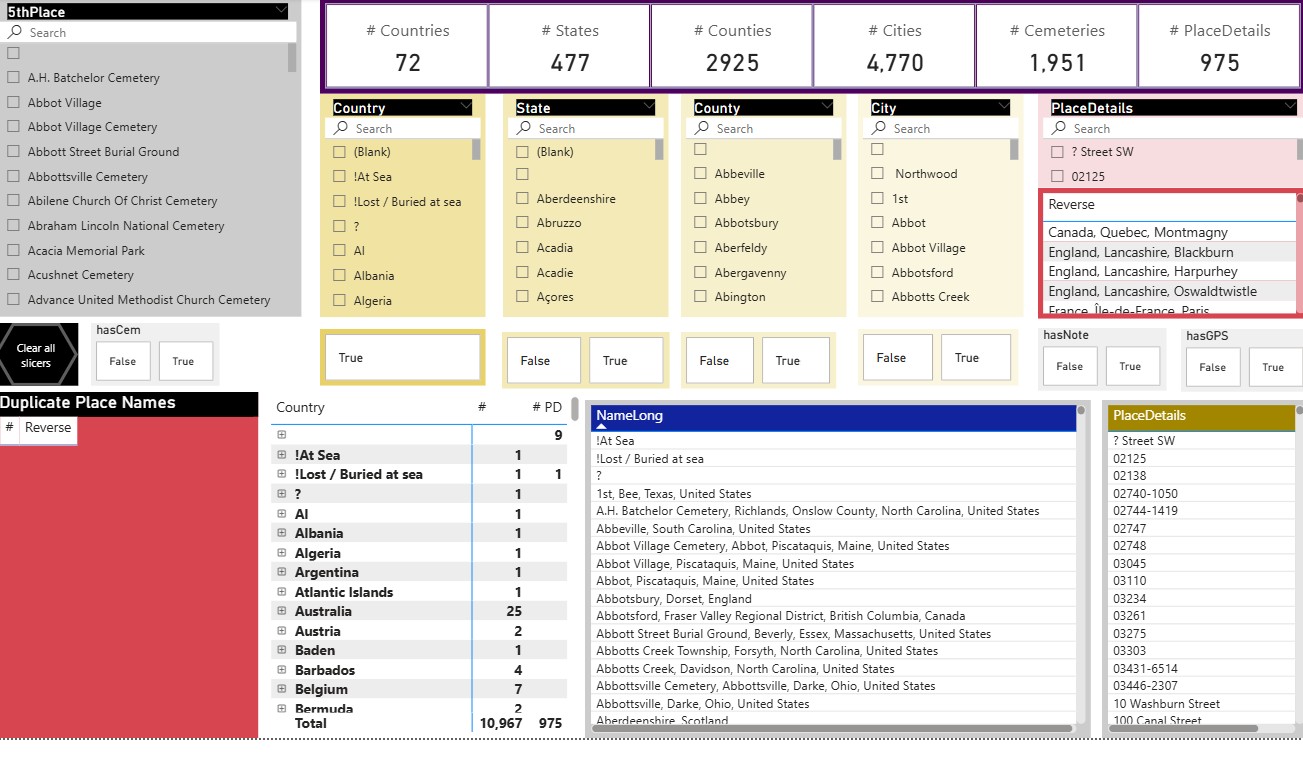
Quote from Pat Jones on 2026-10-02, 4:09 amI too use the sqlite odbc conector and set up my sql queries and connections via Get Data in Excel. This way I can refresh the reports and get the latest changes shown.
I've also similarly used PowerBI desktop which is free to download and being the industry leader, can produce amazing data intelligence. It works but as I only need to know the data supply and backend admin for work, I haven't bothered to learn it further. I will probably need to get into Python instead!Typical Excel ODBC connection workflow:
Get Data
Other data Sources - ODBC
SQLite3 Datasource
Advanced Options
Connection string
Need to add own database file name and path
DSN=SQLite3 Datasource;Database=T:\Roots Magic Data\FamilyTree-Master.rmtree;StepAPI=0;SyncPragma=NORMAL;NoTXN=0;Timeout=100000;ShortNames=0;LongNames=0;NoCreat=0;NoWCHAR=0;FKSupport=0;JournalMode=;OEMCP=0;LoadExt=;BigInt=0;JDConv=0;
Then add sql statement (having tested it in SQLite Studio first)
Ok and then load
Table Styles- Clear
Save after each import
Rename sheet and query to something meaningful
I too use the sqlite odbc conector and set up my sql queries and connections via Get Data in Excel. This way I can refresh the reports and get the latest changes shown.
I've also similarly used PowerBI desktop which is free to download and being the industry leader, can produce amazing data intelligence. It works but as I only need to know the data supply and backend admin for work, I haven't bothered to learn it further. I will probably need to get into Python instead!
Typical Excel ODBC connection workflow:
Get Data
Other data Sources - ODBC
SQLite3 Datasource
Advanced Options
Connection string
Need to add own database file name and path
DSN=SQLite3 Datasource;Database=T:\Roots Magic Data\FamilyTree-Master.rmtree;StepAPI=0;SyncPragma=NORMAL;NoTXN=0;Timeout=100000;ShortNames=0;LongNames=0;NoCreat=0;NoWCHAR=0;FKSupport=0;JournalMode=;OEMCP=0;LoadExt=;BigInt=0;JDConv=0;
Then add sql statement (having tested it in SQLite Studio first)
Ok and then load
Table Styles- Clear
Save after each import
Rename sheet and query to something meaningful